How To Post An Image, by Rain Cold
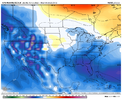
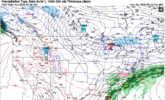
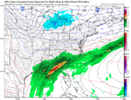
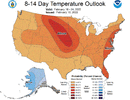
First, find the image you want to post:

Second, tap the image and hold. From the menu that pops up, select Save Image:

Third, select Attach Files at the bottom left of the text box:

Fourth, from your image gallery, select the image you wish to attach:
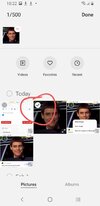
Fifth, select Insert on the image thumbnail at the bottom left of the screen:

Sixth, select Full Image on the image thumbnail at the bottom left of the screen:

Seventh, select Post Reply at the bottom right under the text box:

Eighth, select the Save button underneath the text box:

Congratulations! You have successfully posted an image.